Your data is rich.
Most of it goes unused.
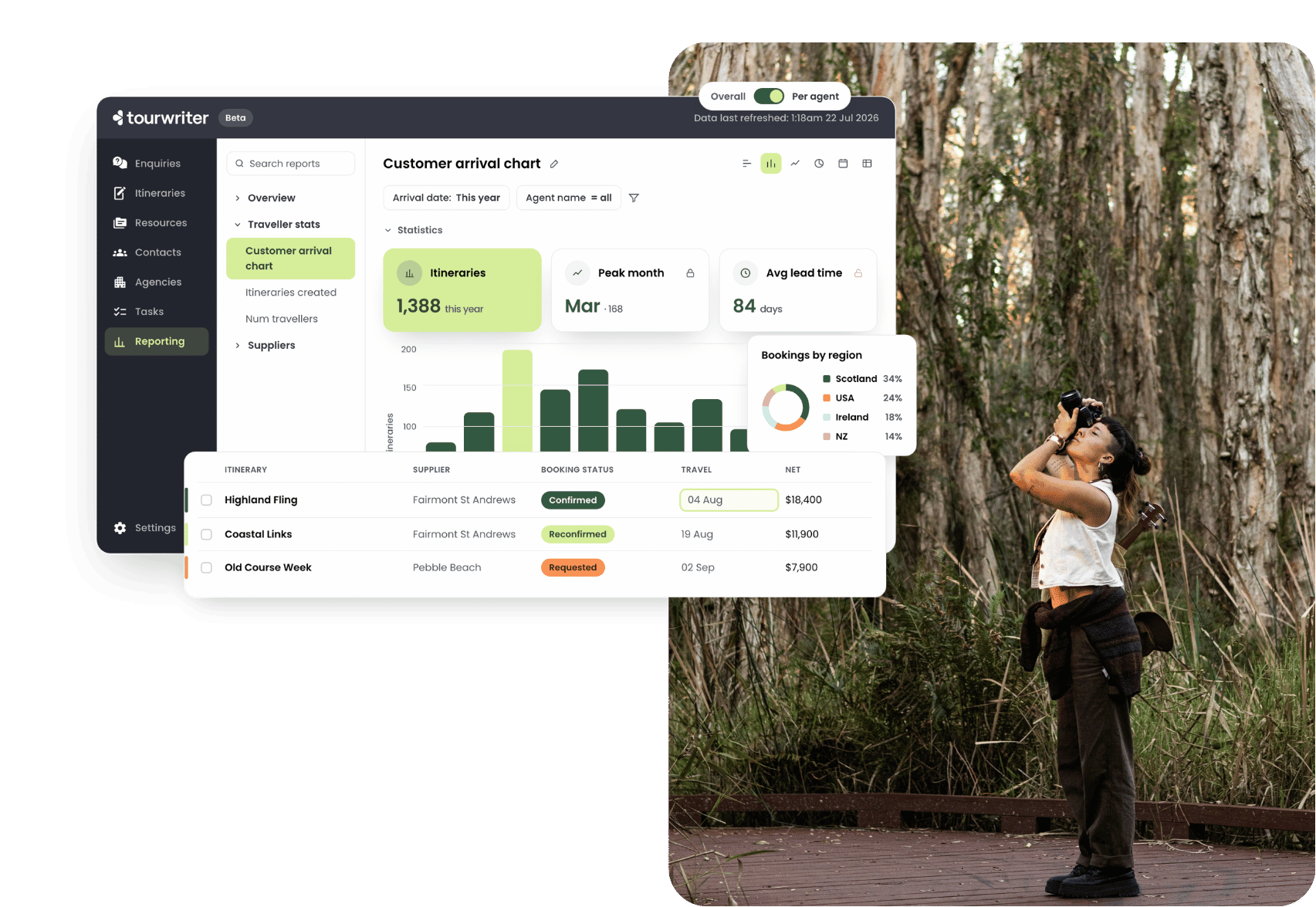
Tour operators hold detailed booking and itinerary data, but most of it stays locked in day-to-day systems, reachable only through manual exports or a separate accounting tool. Decisions get made on instinct while the answers sit out of reach. Reporting closes that gap, so you can see your business clearly and make confident calls at speed.
Report on the numbers that run your season.
Start from a standard report or build your own.
Your imagination is the limit.
Sales by consultant
See who is winning work, and where the studio’s revenue really comes from.
Bookings by status
Track supplier bookings, grouped by supplier, filtered by status.
Travellers in market
Chart arrivals by month or quarter, ready for your busy season.
Quote-to-booking conversion
Find where deals fall over, from first quote to confirmed trip.
Margin by agent
Keep margin visible across agents, itineraries, and options.
Incoming payments
Compare what travellers owe against what has been paid, by due date.
Supplier payments
Track outgoing money, owed versus paid, down to the product.
Agent workload
Review performance and workload to plan check-ins and reviews.
Built for directors, CEOs, travel designers, product managers, sales leads and agents, not analysts.
A calmer, more intuitive way to interrogate your data.
All the answers, none of the setup.
Build by pointing and clicking
Add, remove, and reorder columns to fit how you work. No formulas, no ticket to raise, no waiting on a specialist.
02
Filter and group your way
Filter by booking status, agent, or supplier. Set the dates to this quarter, this year, or any range, then group the results into the view you need.
03
Drill down into any number
Drill into the detail behind any number, then jump straight back to the itinerary, item, or payment it came from.
Build reports that form part of your repeatable systems.
-
Make it your own. Take a standard report, save your own copy with one click, and shape it around your business. Keep it personal or share it with the team.
-
Fresh every morning. Reports refresh every day in your own timezone, so the numbers in front of you match your working day.
-
Report across currencies. Made for businesses working in more than one market, with multi-currency reporting built in.
Everyone sees what they should, and nothing they should not.
Access follows the roles you already use in Tourwriter, so sensitive business data stays protected. Agents only ever see their own itineraries, never anyone else’s, and manager access is coming soon.
| Admin | Manager (coming soon) | Agent | |
|---|---|---|---|
| See reports | Everything | — | Their own itineraries |
| Apply filters & drill into detail | Yes | — | Yes |
| Create & edit reports | Yes | — | No |
| Save & share reports with the team | Yes | — | No |
See your business from a better vantage point.
Your reporting needs, finally answered.
Is this self-service analytics?
Yes. Reporting is self-service analytics for tour operators, so the people running the business can build their own reports. There is no need for an analyst, a data team, or a separate BI tool.
Do I need to know how to code or build dashboards?
No. Reporting is no-code. You build and configure reports by pointing and clicking, adding columns, applying filters, and switching between charts and tables. If you can use a spreadsheet, you can use Reporting.
How fresh is the data?
Your reports refresh every day at midnight in your own timezone, so each morning the numbers reflect everything through to the end of the previous day. More frequent refreshes are on the roadmap for organisations that need them.
Does it replace spreadsheets and separate analytics tools?
That is the idea. Reporting brings itinerary and booking analytics into Tourwriter, next to the data they come from. No more exporting rows to a spreadsheet, and no more stitching together a picture from an accounting tool that cannot see traveller counts, trip duration, lead time, or conversion.
Can it handle more than one currency?
Yes. Reporting supports multi-currency businesses, so organisations working across more than one market can report on the whole picture.
Who in my team can see what?
Access is role based. Admins can design, create, and modify everything. Agents only see their own itineraries, never anyone else’s. Manager access is coming soon.